Directory overview
About this guide
Identify the files your team needs to organise and the people who need access. Compare metadata, search, version history and sharing tools using your own content types. A system intended for marketing teams may differ from one focused on media delivery or a self-managed library.
Test uploading, finding and distributing a representative set of assets. Ask about permissions, storage, external collaborators and export options. Clarify who maintains file descriptions and approval status so the library remains useful after the initial migration.
Explore websites
Directory listings
Browse approved listings related to this topic.
Paid placements are marked
SaaS
Bynder provides digital asset management software, with tools for organising brand content, coordinating asset workflows and distributing approved files across busin...
SaaS
Brandfolder provides digital asset management software for marketing and creative teams, with tools for organising, sharing and tracking the use of brand files.
SaaS
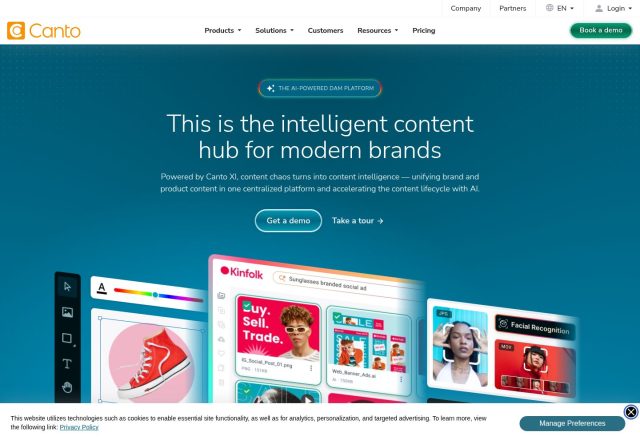
Canto provides digital asset management software, bringing brand and product content into a shared library with tools for searching, collaboration and distribution.
SaaS
Frontify provides brand management software with digital asset management, brand guidelines and templates, helping teams organise and share materials used in branded...
SaaS
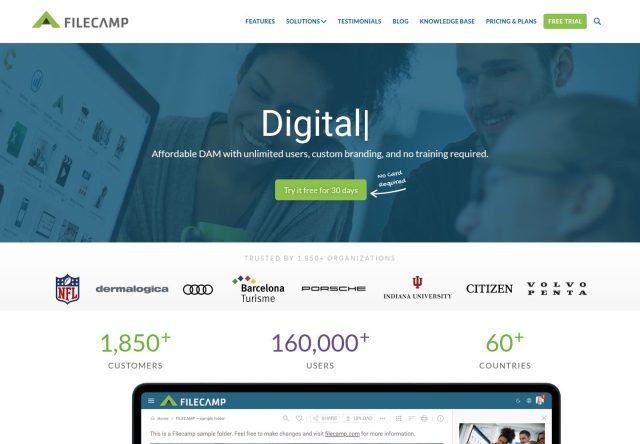
Filecamp provides digital asset management software, with tools for storing creative files, organising media libraries and sharing marketing assets with colleagues a...
SaaS
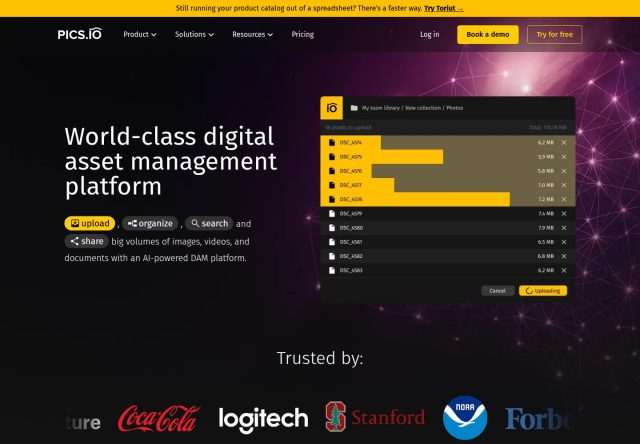
Pics.io provides digital asset management tools for images, videos and documents, including asset search, metadata, version control and collaboration within a shared...
SaaS
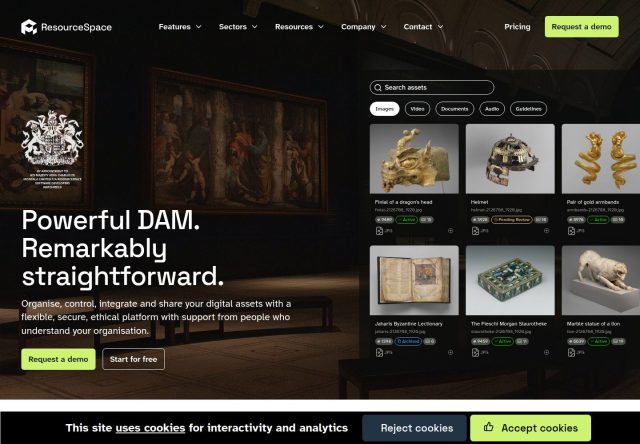
ResourceSpace provides open-source digital asset management software, with tools for organising and sharing media files and managing access to an organisation's digi...
SaaS
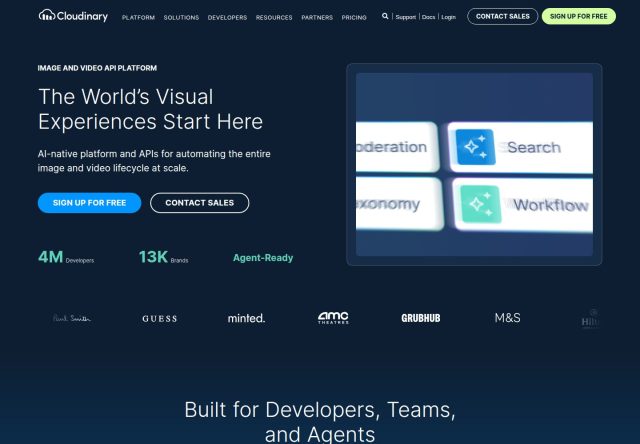
Cloudinary provides image and video management tools, with services for uploading, storing, optimising and delivering media alongside digital asset management capabi...
Helpful information
Frequently asked questions
DAM tools can add structured metadata, asset previews, version control and controlled sharing. The exact capabilities depend on the product and plan.
Use several real file types and versions, add representative metadata, and test how internal teams and external collaborators find and access them.
Last reviewed Sep 12, 2026.