
SaaS
Online Course Platforms for Creators
Browse platforms for creating and selling online courses. Explore official websites for lesson tools, learner management and ways to deliver educational products.
Directory overview
About this guide
Outline the learning experience before choosing a platform. Decide whether your course is self-paced, scheduled, discussion-led or combined with coaching. Compare how lessons, downloads and communication work for both the creator and the learner.
Build a sample module and follow the enrolment journey as a student. Check payment connections, transaction charges, content export and access rules. Confirm where videos are hosted and what happens to your material and learner records if you later move platforms.
Explore websites
Directory listings
Browse approved listings related to this topic.
Paid placements are marked Sponsored


SaaS
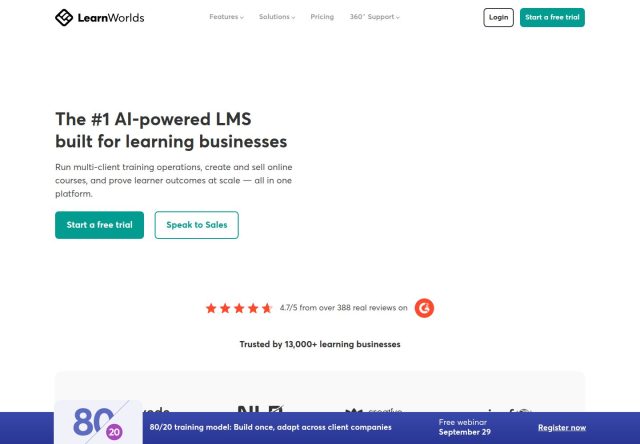
LearnWorlds
LearnWorlds provides a learning management platform for online education businesses, with tools for creating courses, managing learners and delivering educational co...
SaaS
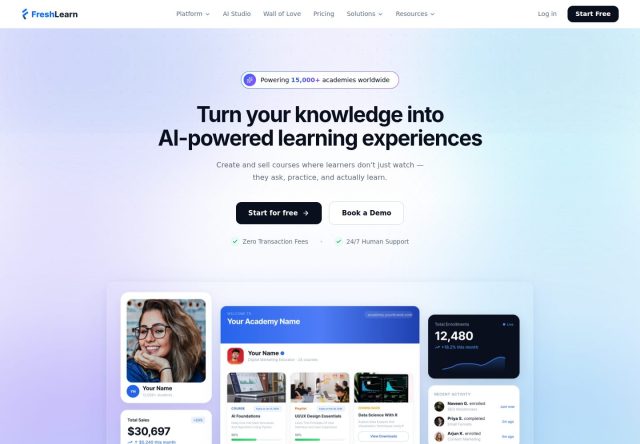
FreshLearn
FreshLearn provides tools for creators to build and sell courses and coaching online, with options for organising educational products and managing their delivery.
Helpful information
Frequently asked questions
Some do, while others use embedded or external video services. Confirm storage, playback and any related costs before uploading a course.
Try enrolment, accessing lessons, using downloads and contacting the creator, including the experience on a mobile device.
Last reviewed Sep 12, 2026.