Directory overview
About this guide
Start with the decision the survey should inform and who you want to hear from. Compare question types, branching, distribution methods and report formats that match that purpose. A long feature list is less useful than a trial questionnaire that works for your intended audience.
Check response limits, team access, exports and how participants receive information about the survey. Decide what personal information is necessary before collecting it. Test the questionnaire on different devices and confirm that results can be taken out of the platform in a useful format.
Explore websites
Directory listings
Browse approved listings related to this topic.
Paid placements are marked
SaaS
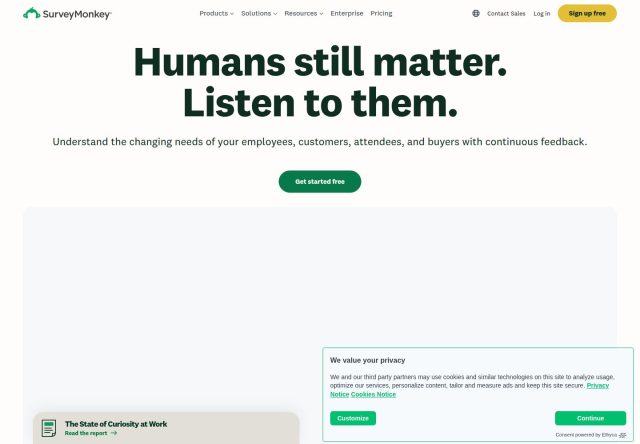
SurveyMonkey provides online survey software for businesses, with tools for collecting customer and employee feedback and organising responses for analysis.
SaaS
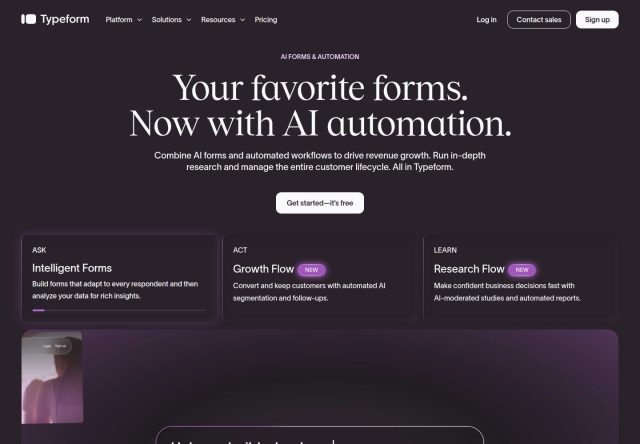
Typeform provides form and survey creation tools, with options for designing questionnaires, collecting responses and connecting feedback workflows with other busine...
SaaS
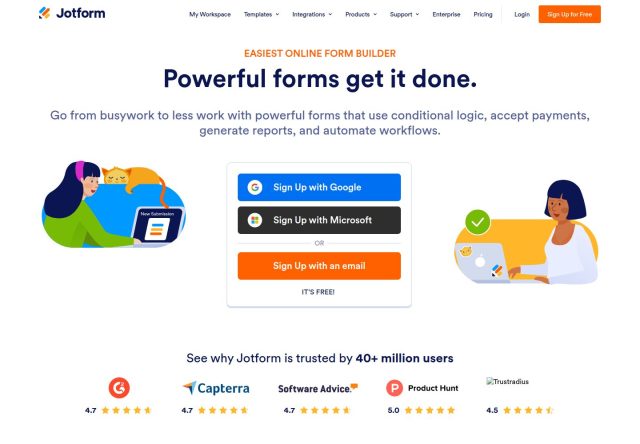
Jotform provides an online form builder for collecting information, with tools for creating surveys and business forms and organising submitted responses.
SaaS
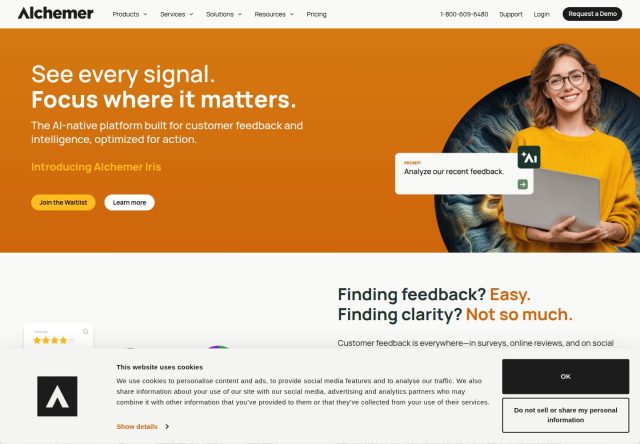
Alchemer provides online survey and feedback software, with tools for collecting responses and bringing customer research into business decision-making workflows.
SaaS
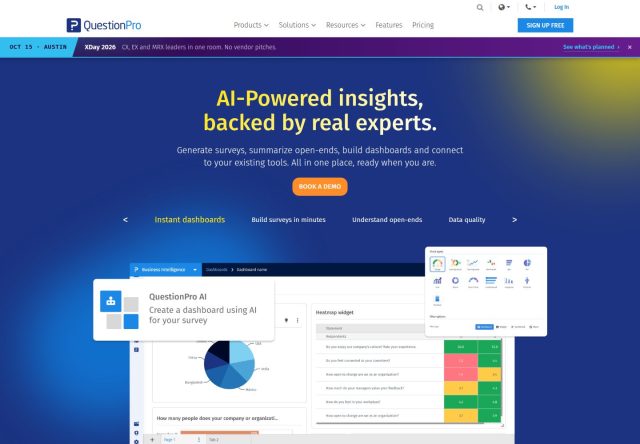
QuestionPro provides online survey and research tools, with features for creating questionnaires, collecting responses and analysing feedback from customers and othe...
SaaS
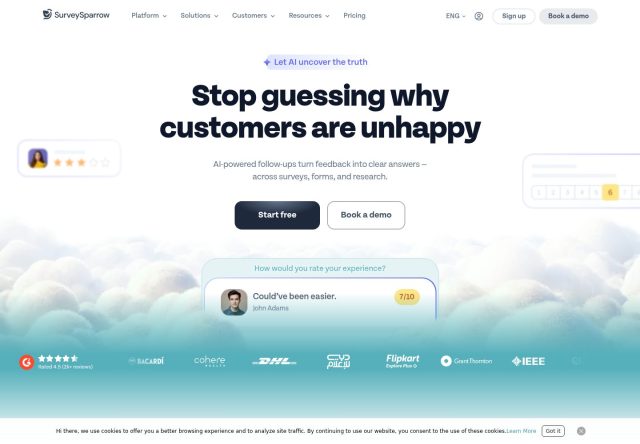
SurveySparrow provides customer feedback and survey tools, with options for collecting responses and managing feedback activities through its online platform.
SaaS
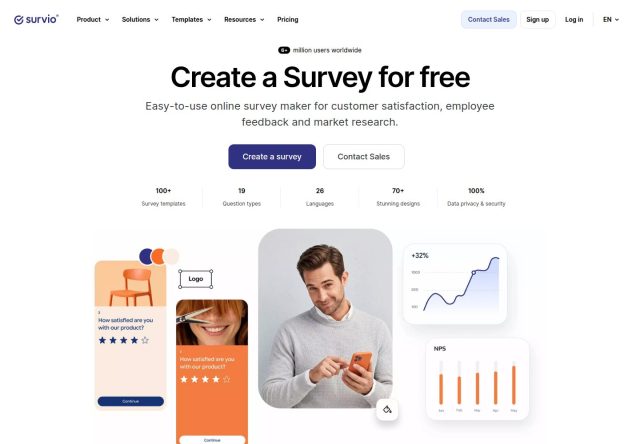
Survio provides online survey tools for businesses, with features for creating questionnaires, collecting responses and preparing reports from survey results.
SaaS
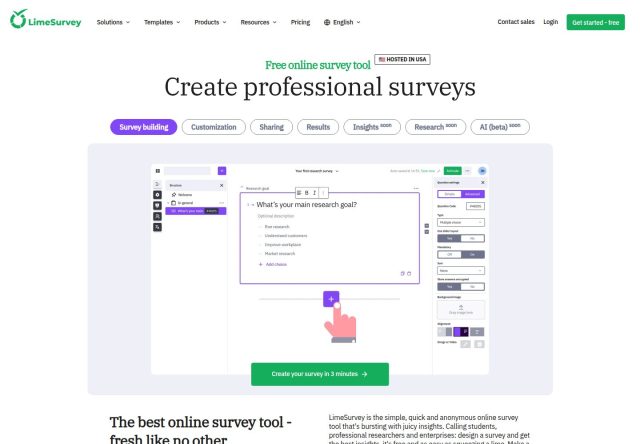
LimeSurvey provides online survey software, with tools for building questionnaires and managing response collection through hosted and open-source survey options.
Helpful information
Frequently asked questions
No. Check the current limits for responses, questions, users and exports on the plan you intend to use.
Test the wording, branching, mobile experience and completion flow, and make sure participants understand the purpose and how responses will be used.
Last reviewed Sep 12, 2026.